
BigCommerce Integration
This is a self-serve integration guideThis self-serve guide allows you to integrate with BigCommerce in the simplest manner. You can view details for the more detailed BigCommerce integration guide here.
Follow the steps below to integrate impact.com with your BigCommerce store.
Log in to BigCommerceBefore beginning, log in to BigCommerce for the best experience.
Install impact.com in BigCommerce
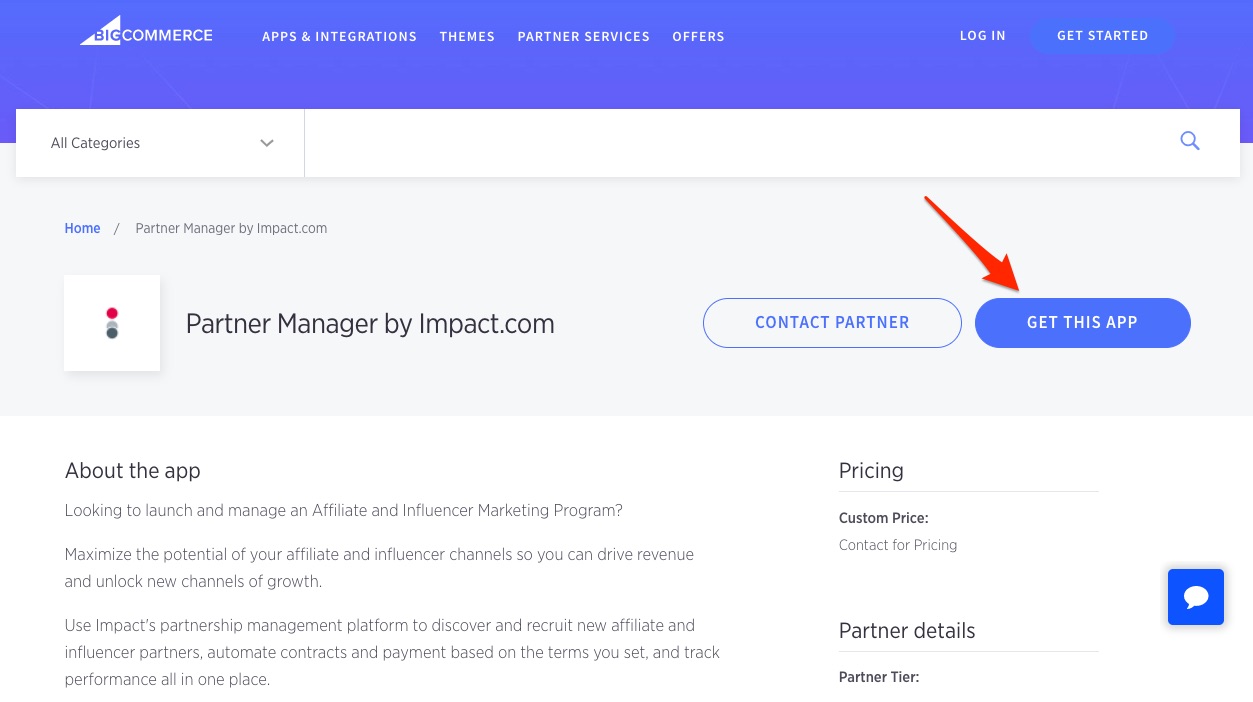
Navigate to the Partner Manager by Impact.com app in the BigCommerce App Store and select Get This App.\
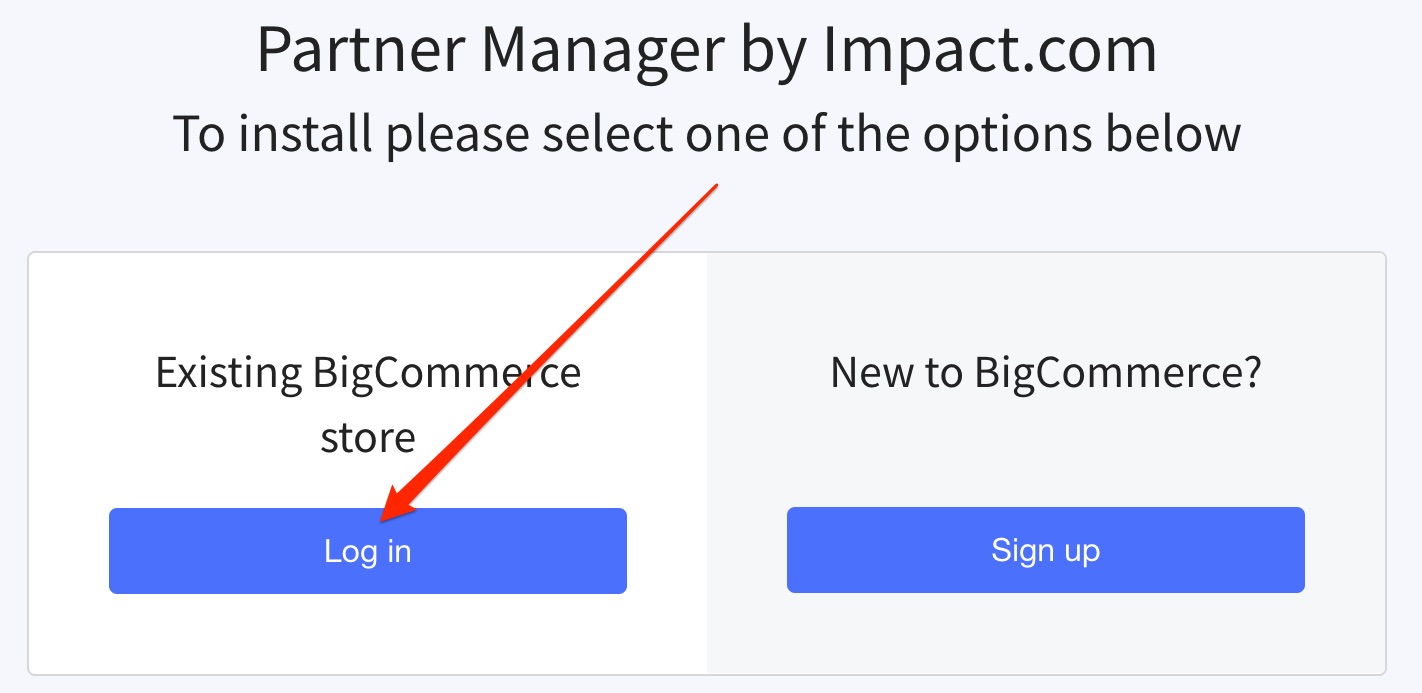
If prompted, select Log in.\
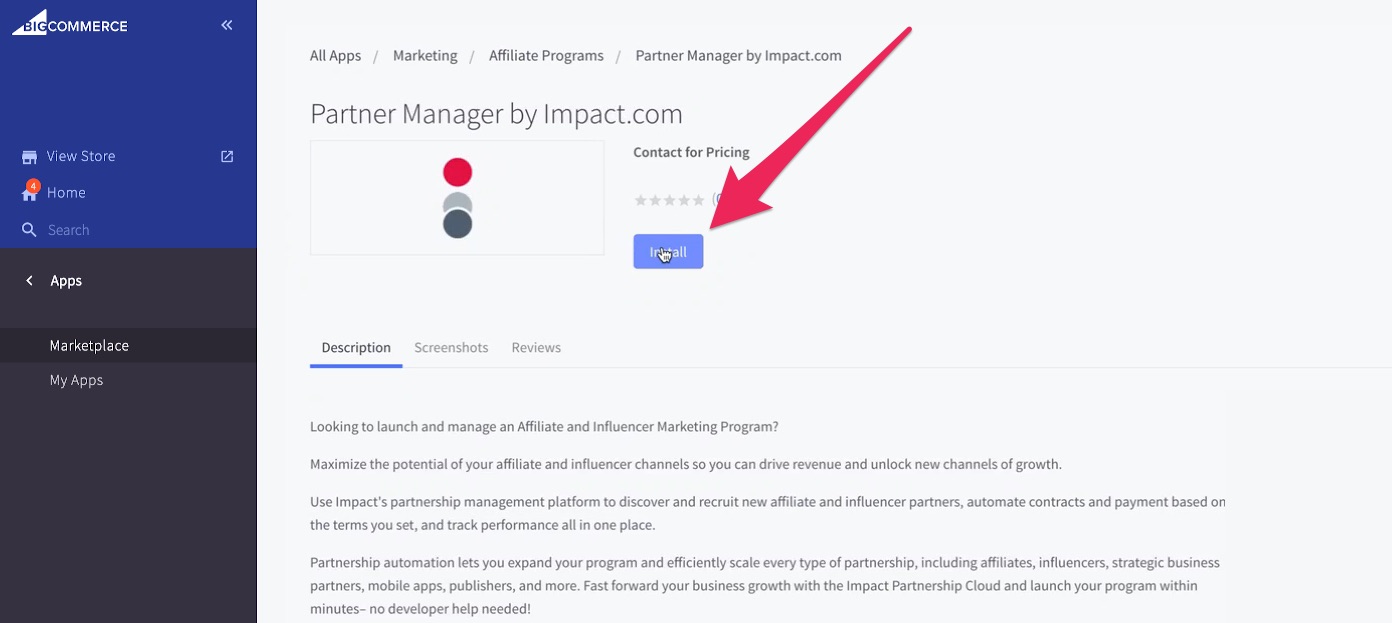
In your BigCommerce account, select Install.\
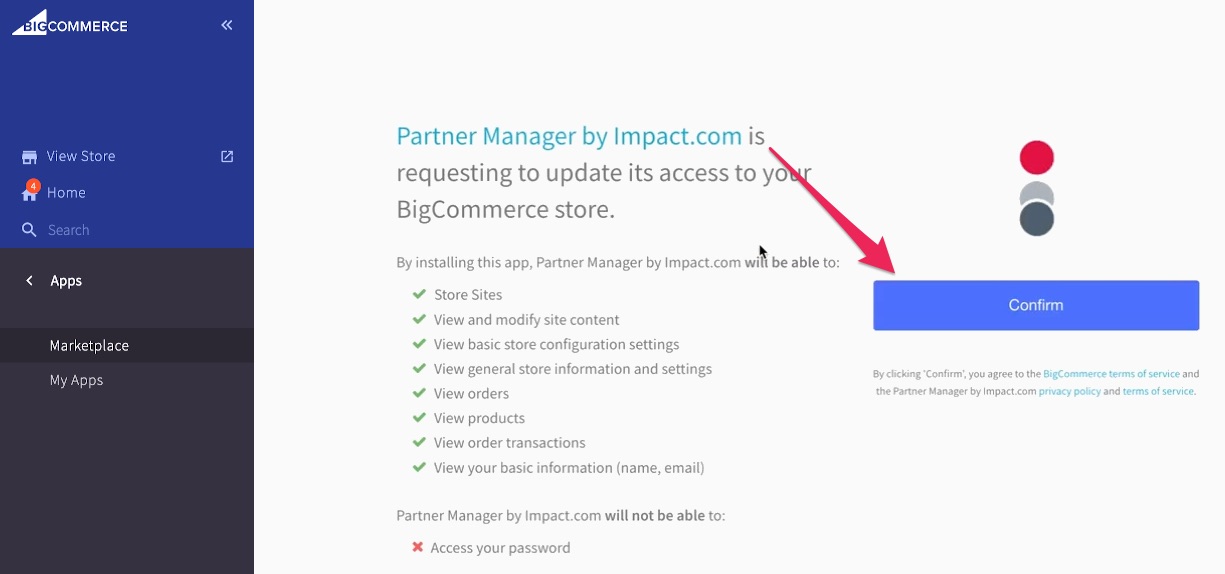
Review the required permissions, terms of service, and privacy policy, then select Confirm.\
Select Click here under Existing Customer to continue.\
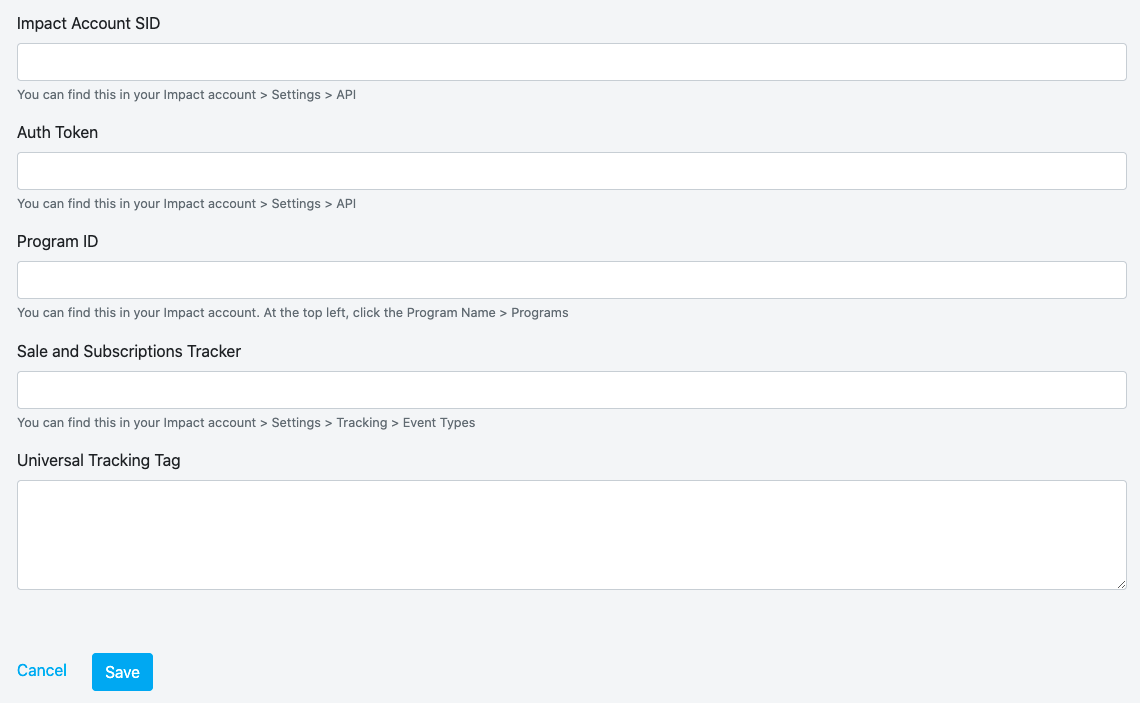
Add your impact.com account information in the relevant fields. Your impact.com account values appear in the table below — copy & paste these values exactly in BigCommerce:
Account Data
Account Value
Impact Account SID*
{user.apiKeyUser}Auth Token*
{user.apiKeyPass}Program ID*
{user.programId}Sale and Subscriptions Tracker*
{user.singleSaleEventId}Universal Tracking Tag (UTT)*
{user.utt}Select Save. You'll receive confirmation that impact.com has been installed.

Updated 8 months ago